Dive into the world of Microsoft Copilot Studio with this introductory blog. In just few minutes, you’ll configure your first co-pilot!”
“Microsoft Copilot Studio: Since its launch, many of us have been curious about what it entails. When you navigate to Copilot Studio, the answer becomes clear. It is basically our new Power Virtual Agent.
It’s not just a new name, it is an AI-powered conversational interface based on large language models (LLMs) and additional sources of knowledge.
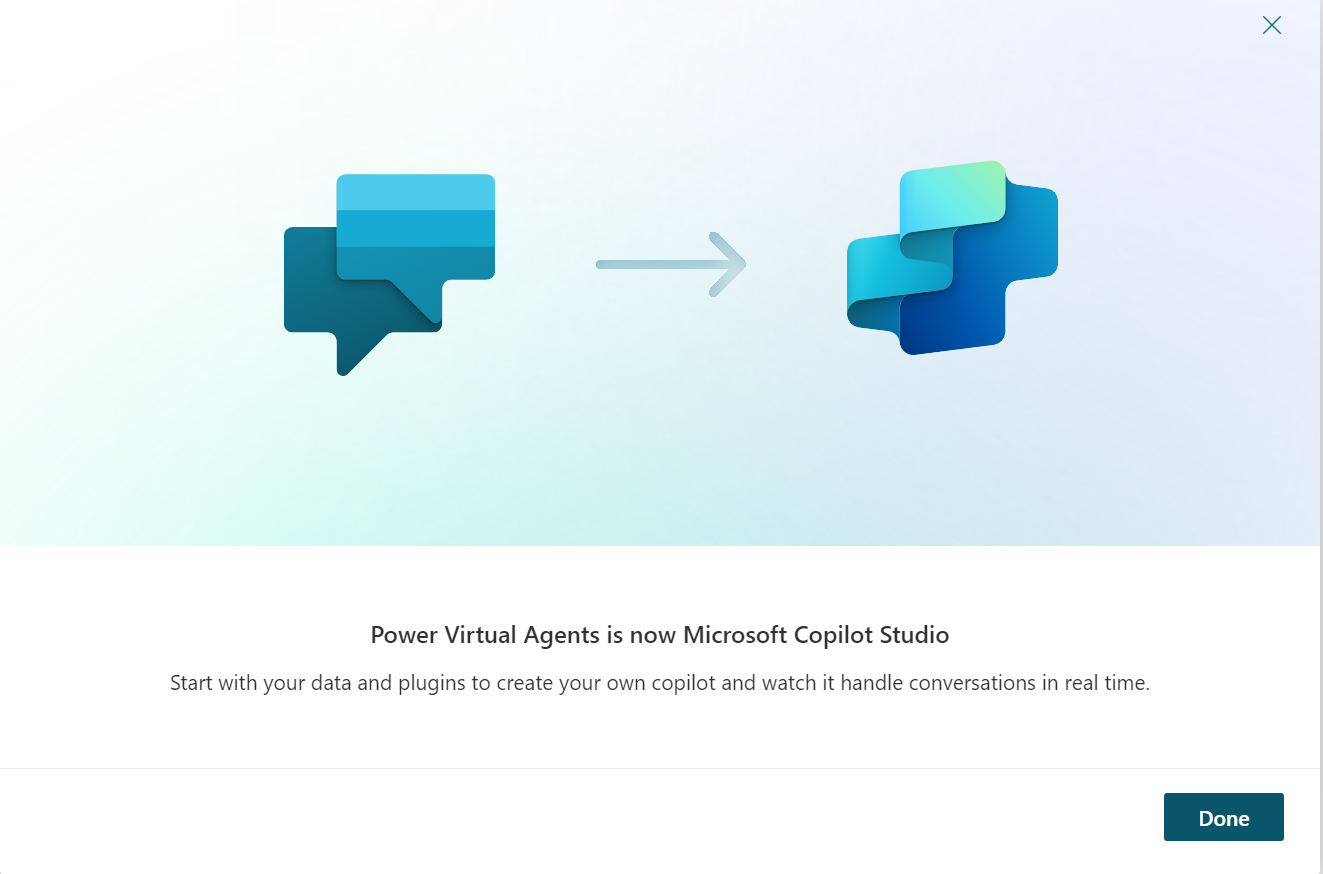
Official definition of Copilot studio mentioned below.
Microsoft Copilot Studio is a graphical low-code tool for creating and maintaining Copilots. It is an AI-powered conversational interface based on large language models (LLMs) and additional sources of knowledge. It’s a powerful AI companion that can handle a range of requests, from providing simple responses to common questions to resolving issues requiring complex conversations.
Copilots can engage with customers and employees in multiple languages across websites, mobile apps, Facebook, Microsoft Teams, or any channel supported by the Azure Bot Service.
So, lets quickly jump into our scenario, we need to create a Copilot which will allow users to enquire about the Burgers 🙂 for a specific brand(a public website will be used in our example)
Prerequisite: You need to either have license for Co-pilot studio or you can create a free trial here
Follow the steps below to create Copilot.
- From your Copilot home page click on New

2. Provide details like name and the website, in this case we are using mcdonalds public website
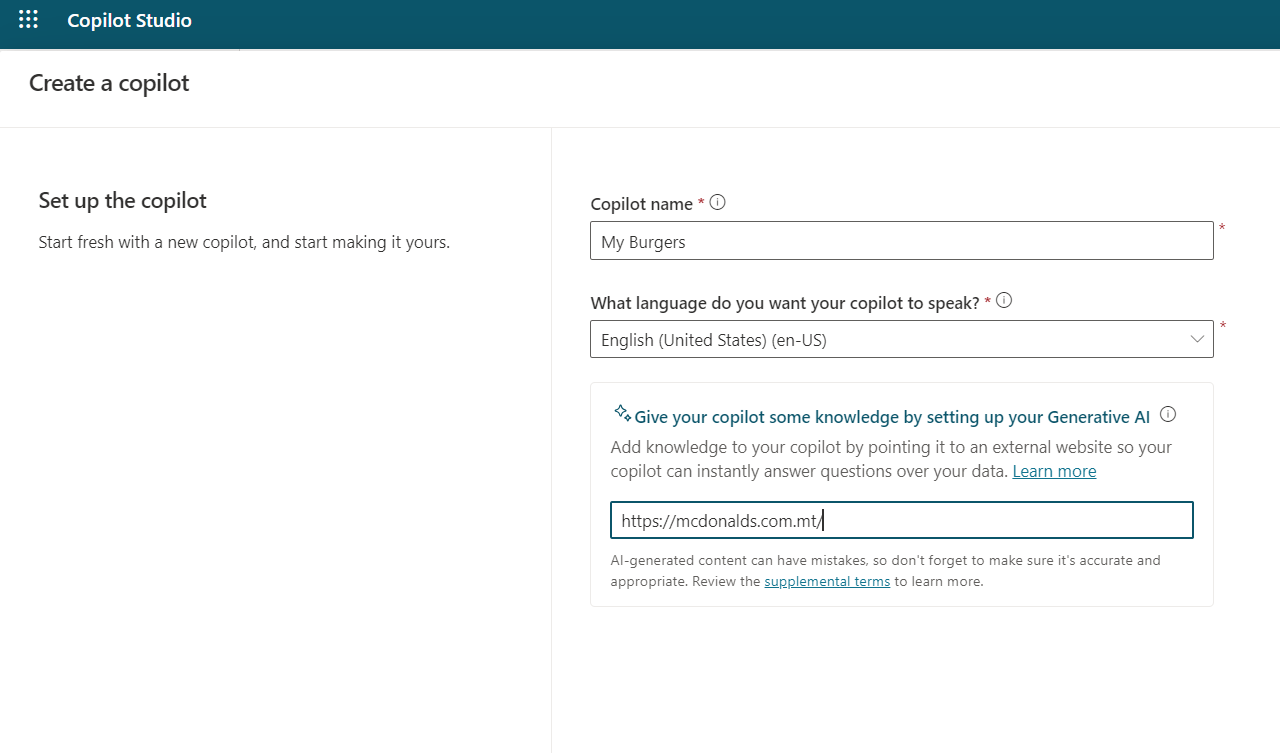
And that’s it, few seconds and your are ready to play with your first co-pilot.
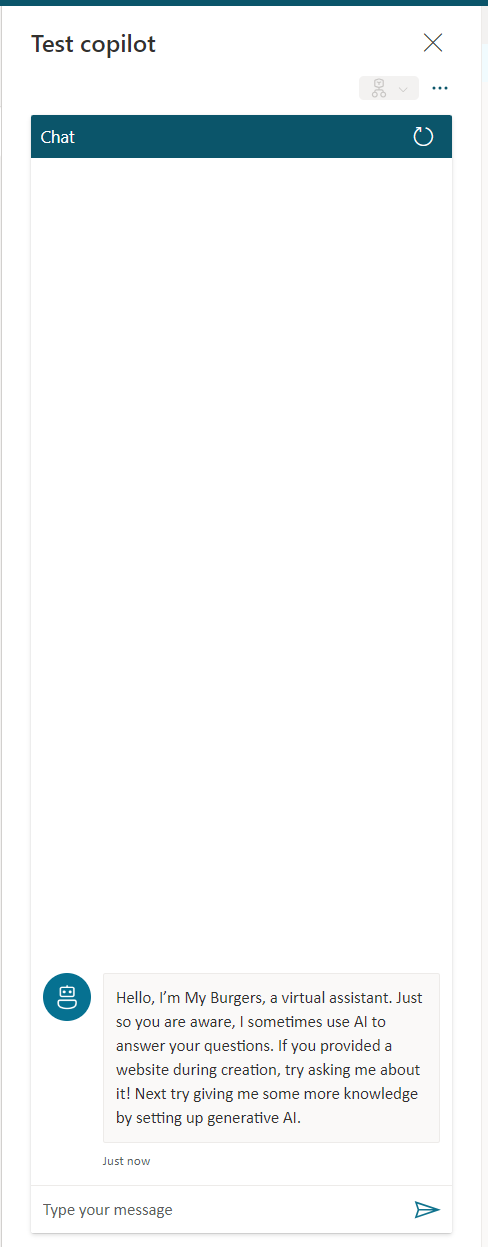
So, lets start with asking questions to the co-pilot as shown below.
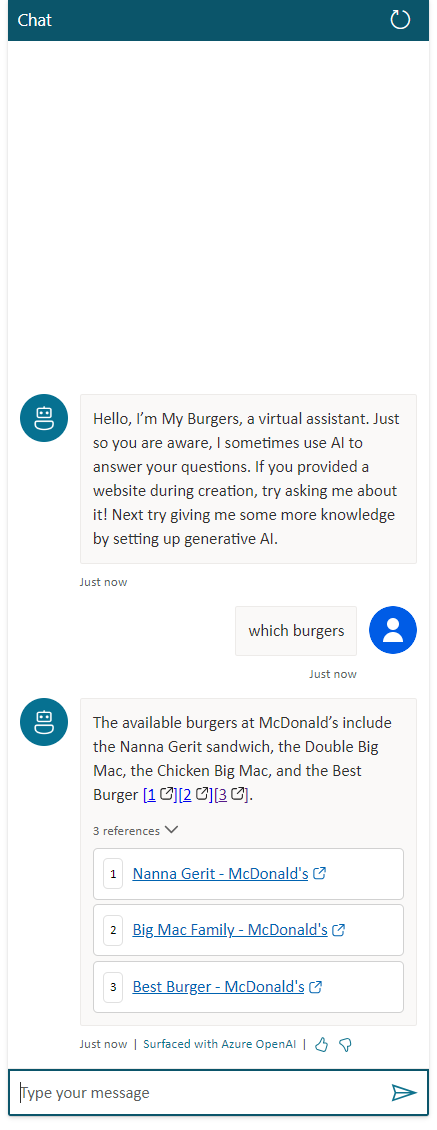
Although we haven’t configured any conversation topics yet, the bot is primed to respond to queries from the website. Users can either continue the discussion or click on the provided URLs for more specific details.
While Microsoft Co-pilot offers much more than the example mentioned above, consider this as a quick start for building your complex bots. Imagine building and deploying your AI-powered conversational interface in just a few minutes.
Stay tuned—I’ll be adding more examples and scenarios in upcoming blogs. Happy learning!





 decodeDynamics
Leave a comment